Security Audit Checklist: What a Proper Audit Checks at Each of the 5 Stages
A security audit is a health check, not an exam. This stage-by-stage checklist shows what should happen at scope, discover, test, report and retest.

💡 In Simple Terms (For Beginners)
A security audit is a health check for your business, not an exam you pass or fail. This checklist shows what happens at each of the five stages and what you should prepare or ask for, so you know whether an audit was done properly.
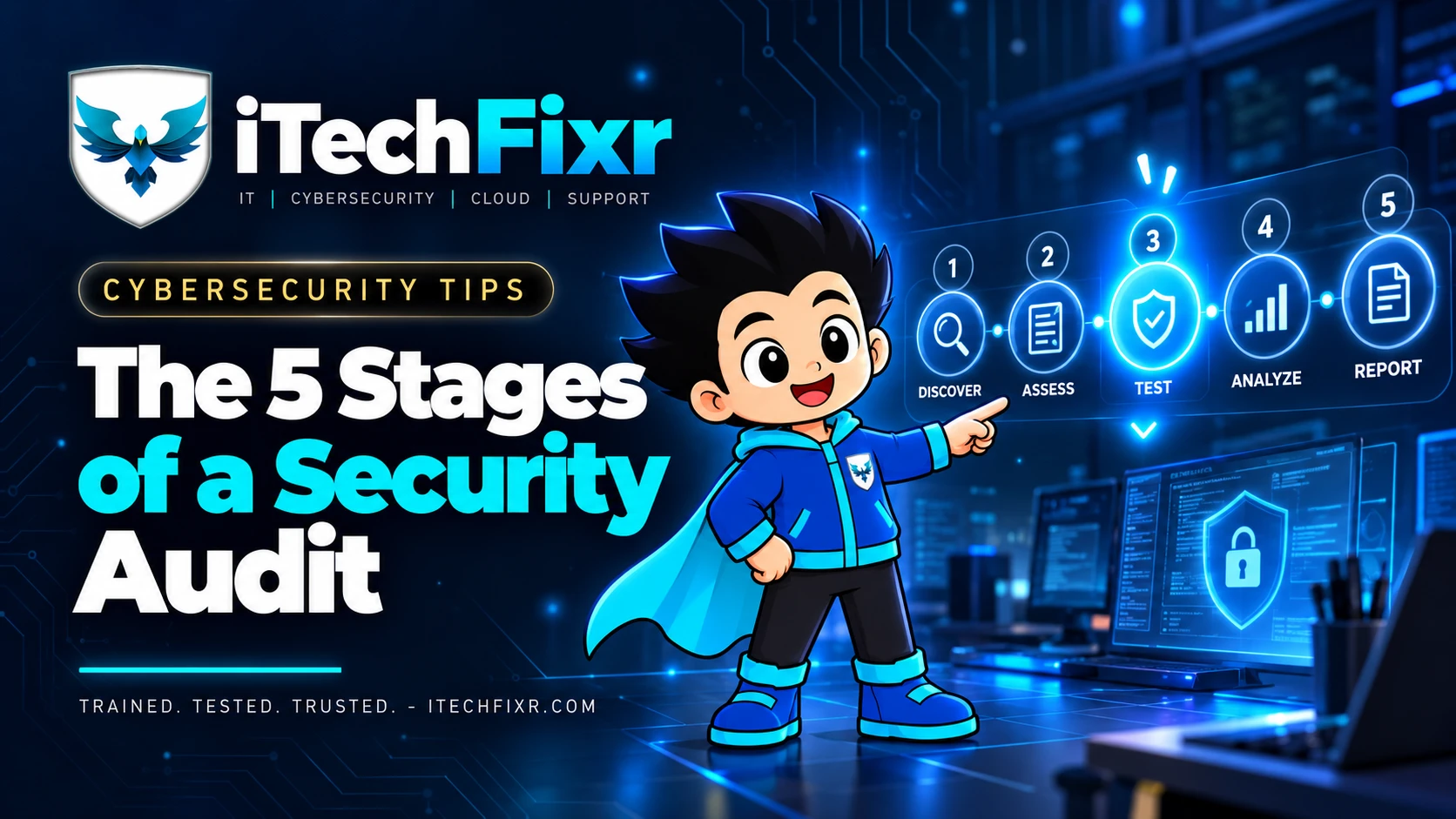
- A proper audit runs in five stages: scope, discover, test, report and retest.
- Most of the value is lost when businesses skip the scoping conversation or the retest at the end.
- You can use the checklist below before, during and after any audit, whoever runs it.
CYBERSECURITY TIPS · September 23, 2026 · 7 min read · By Hardik Patel
What does a security audit check? A good security audit agrees on scope first, maps every device, account and connection an attacker could reach, tests those weaknesses the way a real attacker would, reports findings ranked by business risk, and then retests to confirm each fix actually worked. The checklist below breaks each stage into the points you can verify yourself.
Stage 1: Scope
Before anyone touches a system, both sides should agree in writing on what is being checked and what is off limits.
- ☐ A written list of what is in scope: website, web apps, office network, servers, cloud accounts, email, employee devices.
- ☐ A written list of what is out of scope, so nothing critical is tested by surprise.
- ☐ Signed authorisation from someone who owns those systems.
- ☐ Agreed testing windows, so production systems aren't disturbed during business hours.
- ☐ One named contact on your side who can be reached if something unexpected comes up.
Stage 2: Discover
Discovery maps everything an attacker could reach. Businesses are often surprised by what turns up here.
- ☐ An inventory of internet-facing systems: domains, subdomains, IP addresses, open ports.
- ☐ A list of user accounts, including old accounts of people who have left.
- ☐ Devices on the office network, including CCTV, printers and other "forgotten" hardware.
- ☐ Third-party tools and vendors with access to your data or systems.
- ☐ Software versions, so outdated and unsupported systems are flagged.
Stage 3: Test
Testing checks whether the weaknesses found in discovery can actually be used. This is where an audit differs from an automated scan, which is explained in more detail in our post on why VAPT retests matter.
- ☐ Automated scanning to catch known weaknesses quickly.
- ☐ Manual testing by a person who tries to exploit what the scan found, the way a real attacker would.
- ☐ Checks on logins and passwords: weak passwords, missing MFA, shared accounts.
- ☐ Checks on access: can a normal user reach data they shouldn't?
- ☐ Testing done safely, inside the agreed scope and time windows.
Stage 4: Report
A report is only useful if your team can act on it. Ask to see a sample before the audit starts.
- ☐ An executive summary in plain language that a business owner can read in five minutes.
- ☐ Every finding ranked by real business risk, not just a technical score.
- ☐ Evidence for each finding, such as screenshots or steps to reproduce it.
- ☐ A clear, prioritised fix for each issue, with what to do first.
- ☐ A walkthrough meeting where your team can ask questions.
Stage 5: Retest
The retest is the stage most often skipped, and the one that proves the work was worth paying for. A fix marked "done" in a tracker is not the same as a fix that works.
- ☐ Every high and critical finding rechecked after your team fixes it.
- ☐ Written confirmation of which findings are closed and which are still open.
- ☐ A plan and date for the next audit, since systems change every few months.
Key Takeaways
- An audit is a health check. Its job is to show where you stand so money and time go to the right fixes.
- Scope and signed authorisation come before any testing.
- A useful report ranks findings by business risk and tells you exactly what to fix first.
- Without a retest, you don't actually know whether the fixes worked.
Frequently Asked Questions
Q: How long does a security audit take for a small business?
A: It depends on scope. A small office with a website and a handful of cloud accounts can often be covered in days, not weeks. Larger networks and custom applications take longer.
Q: Will an audit disrupt our daily work?
A: It shouldn't. Agreeing on testing windows during scoping keeps production systems safe, and any risky test should be discussed with you first.
Q: How often should we audit?
A: Once a year is a common baseline, plus after any major change such as a new website, a new office network or a new software system.
How iTechFixr Can Help
We run audits in exactly these five stages, with a plain-language report and a retest included, so you know the fixes actually worked. Get in touch to talk through what an audit would cover for your business.

Need Help With This?
Talk to Hardik directly about your organisation's cybersecurity needs — get a tailored response within 24 hours.
