Warning Signs Your IT Support Company Isn't Actually Protecting You
Paying for IT support isn't the same as being protected — here are the concrete warning signs your current vendor is leaving real gaps unaddressed.


💡 In Simple Terms (For Beginners)
If your IT support only shows up when something breaks, can't answer basic security questions, or has never suggested a security audit — you're paying for repairs, not protection.
- Reactive-only support (fixing things after they break) is a different service than proactive security.
- A vendor who's never mentioned patching, backups, or MFA in your engagement is a real warning sign.
- These roles complement each other — the goal is recognising a gap, not necessarily switching vendors entirely.
CYBERSECURITY TIPS · September 28, 2026 · 6 min read · By Hardik Patel
What are warning signs your IT support company isn't protecting you? A vendor who only responds reactively to problems, has never proactively raised patching, backups, or access control, and can't clearly explain your current security posture is very likely providing repair service, not real protection.
Reactive-Only Support Is a Real Warning Sign
An IT vendor who only engages when something is already broken — a printer down, a slow computer, a locked account — is providing reactive support, which is a genuinely different service from proactive security monitoring, and conflating the two is a common, costly assumption.
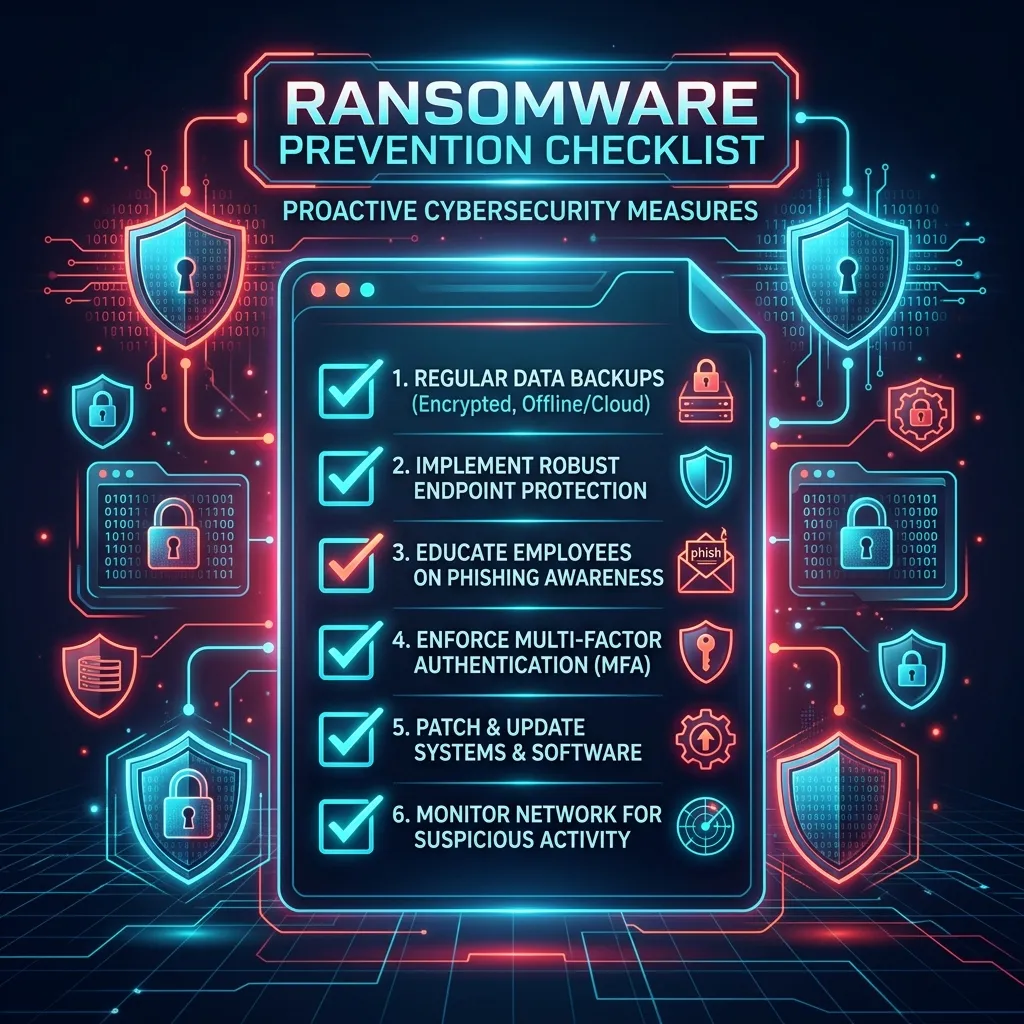
Proactive security work looks different: patch management on a schedule, regular access reviews, monitoring for unusual activity — the kind of work that prevents an incident rather than fixes one after it happens.
Specific Questions That Reveal the Gap
Asking your current vendor a few direct questions quickly reveals whether they're covering security or just operations: when was our last security assessment, what's our current patch status across all devices, and is MFA enforced on every system that supports it.
A vendor who answers these clearly and specifically is likely covering real ground. A vendor who deflects, gives a vague reassurance, or has genuinely never been asked these questions before is a signal worth taking seriously.
What to Do With This — Not Necessarily Switching
Recognising this gap doesn't automatically mean replacing your IT vendor — in many cases the right move is adding a dedicated security layer alongside existing IT support, since the two roles genuinely complement each other rather than compete, as covered in our IT support vs. managed security comparison.
Key Takeaways
- Reactive-only support and proactive security are different services, often mistaken for the same thing.
- A few direct questions about patching, backups, and MFA quickly reveal whether real security work is happening.
- Adding a dedicated security layer alongside existing IT support is usually the right fix, not necessarily switching vendors.
Frequently Asked Questions
Q: Does having an IT vendor mean we're already protected?
A: Not necessarily — many IT vendors focus on operational support (fixing issues as they arise) rather than proactive security work, which is a distinct scope that needs to be explicitly covered, not assumed.
Q: What's the single best question to ask our current IT vendor?
A: "When was our last independent security assessment, and what did it find?" — a vendor who has never had one, or can't answer clearly, is a strong signal that security coverage has a real gap.
How iTechFixr Can Help
We work alongside existing IT support teams, providing the VAPT audits and proactive security monitoring that complement day-to-day IT operations rather than replace them.

Need Help With This?
Talk to Hardik directly about your organisation's cybersecurity needs — get a tailored response within 24 hours.
